
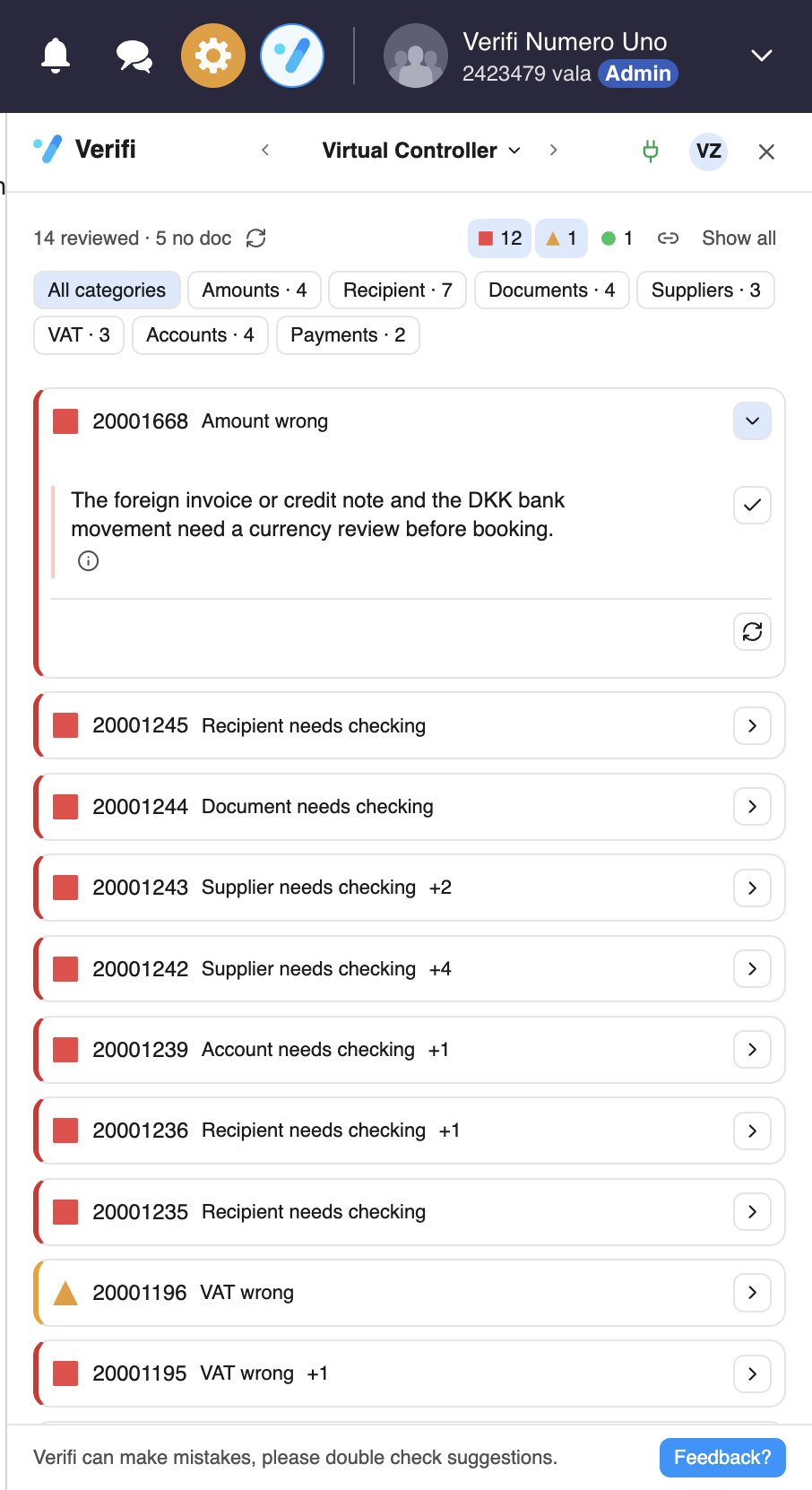
There is a blue button at the bottom in Verifi called ‘Feedback’:
Clicking on ask me anything will lead you here, to the guide articles.
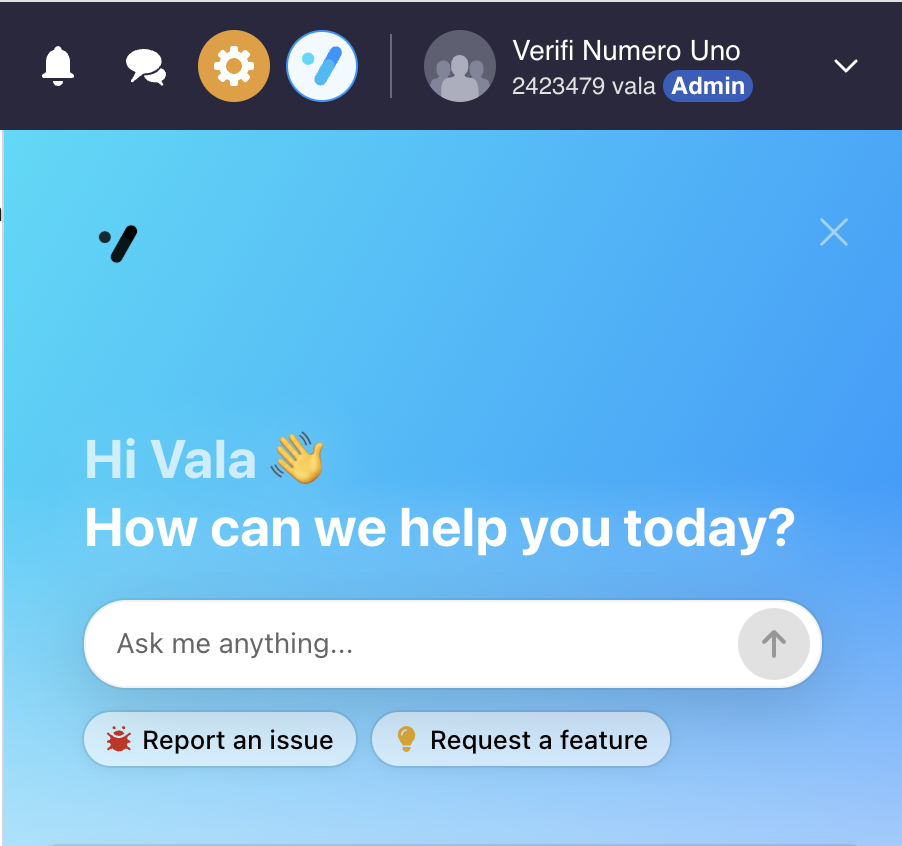
Report an issue is what you click on when something is not working or Verifi is telling you the wrong things. Verifi will then automatically take a screenshot of your screen to help us identify the issue faster.
If you have any creative ideas on how Verifi could be even better, then hit the ‘Request a Feature’ Button.