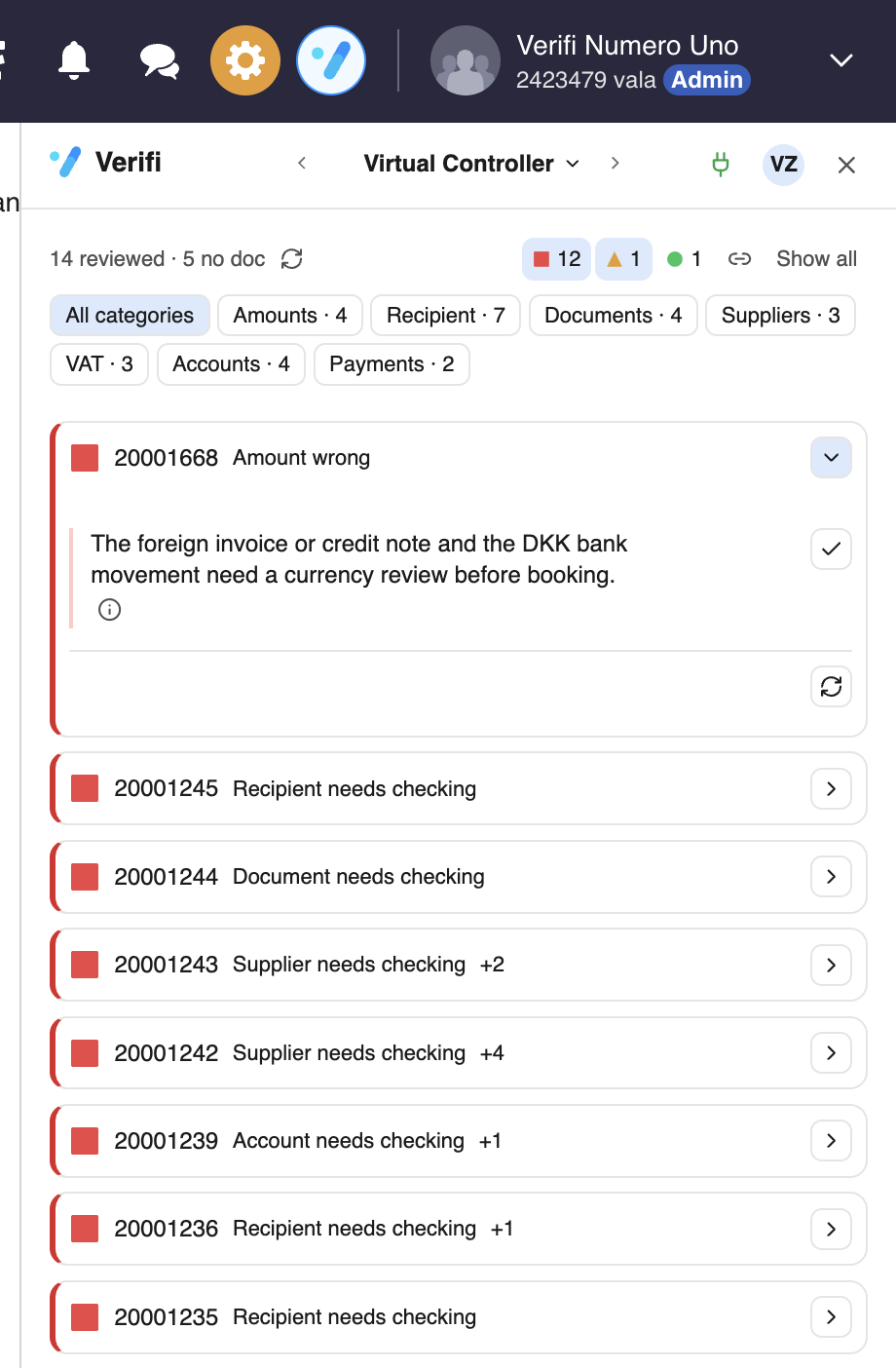
Verifi alerts you for any checks not passed according to rules pre determined by your organization.
RED: checks not passed, edit to turn green
Orange: warning, take a look
GREEN: all checks passed
BLUE: loading
GREY: does not check this type of entry line (e.g. salaries)
Press the Verifi icon at the top to open the Verifi side panel and see what the AI is communicating.
Click on the error you wish to read more about by clicking on the individual card: